

Spring '26 didn’t arrive with a bang. No confetti. No dramatic keynote moment where everyone gasps and immediately updates their LinkedIn headline to “AI Visionary.” It just showed up—calm, confident, and slightly smug in the way only a platform that knows exactly where it’s going can be.
At first glance, it’s easy to underestimate the Salesforce Spring ’26 release. There’s no single feature demanding attention. No shiny object begging for a demo. And yet, as you move through your org—click by click, Flow by Flow—you realize something significant has happened.
Salesforce didn’t add more noise. The Spring ‘26 Release added clarity.
Salesforce Spring ’26 Focuses Less on New Features—and More on How Teams Actually Work
 There was a time when Salesforce releases felt like variety shows. Every act tried to outdo the last. New clouds. New tools. New ways to customize something you already customized three years ago.
Spring ’26 feels different. It feels like Salesforce walked into your org, looked around quietly, and said, “Alright. Let’s clean this up.”
Not in a judgmental way, more like a seasoned consultant straightening the whiteboard before the meeting starts. Nothing flashy. Just intentional.
This release isn’t obsessed with what Salesforce can do. It’s focused on how teams actually use Salesforce every day, and how often the platform has been getting in the way.
Salesforce Automation and Flow in Spring ’26: Built for the Long Haul
If you’ve ever inherited a Salesforce Flow you didn’t build, you know the moment. You open it. You zoom out. You squint. You whisper, “Why?”—to absolutely no one.
The Spring ’26 vibe feels like it was designed by people who’ve lived that exact experience. Salesforce Flow is still the center of gravity for automation, because it’s the tool that lets admins and teams automate work with little to little-to-no code, right where the work happens.
Automation in this release doesn’t try to be smarter. It tries to be kinder, especially to the people who have to maintain it six months later.
Spring ’26 continues to reward orgs that take automation seriously as a lifecycle: design, build, test, deploy, monitor, and improve. Which is Salesforce-speak for, “Please don’t let your automations become folklore.”

Salesforce AI in Spring ’26: From Experiment to Everyday Productivity
There was a phase where AI in Salesforce felt like a very impressive science experiment.
Spring ’26 feels like AI put on a badge and joined the team.
Not as a replacement for humans—more like the teammate who quietly takes the annoying parts of your job and hands you back time. The best version of Salesforce AI is the one that fits inside your existing workflows and respects enterprise realities: data boundaries, permissions, governance, and trust.
That’s why Salesforce has placed so much emphasis on the Einstein Trust Layer—the security and governance architecture designed to protect customer data when using generative AI.
In other words: less “AI magic,” more “AI with guardrails.”
Salesforce UX Improvements in Spring ’26: Better Adoption Without the Disruption
Somewhere around mid-morning, it hits you. Things feel, well, easier.
Pages feel less fussy. “Where do I click?” questions drop. People stop building elaborate workarounds in spreadsheets (or at least, fewer of them).
Spring ’26 continues the long, quiet trend of usability improvements that don’t always headline the release notes, but absolutely show up in adoption and user confidence. And adoption is still the most underrated multiplier in Salesforce ROI: when the system feels easier to use, people actually use it.
Who the Salesforce Spring ’26 Release Is Really For
Here’s where Spring ’26 gets interesting. This release doesn’t feel the same for every org.
For some teams, it’s momentum: cleaner workflows, clearer automation, fewer “mystery behaviors,” smoother adoption. For others, it feels like a mirror.
Flows that once “just worked” suddenly feel fragile. Customizations that made sense years ago now feel heavy. Not because Salesforce broke anything, but because the platform is maturing, and brittle design gets harder to hide.
Salesforce isn’t judging. It’s revealing. See what a Salesforce health check typically uncovers.
These Salesforce Releases are often the moment teams reach out to DSG—not because something is on fire—because they realize the platform has matured faster than their org has. Spring ’26 rewards the teams who pause long enough to realign.
Salesforce Spring ‘26 Release Dates Countdown |
Why Spring ’26 Is the Release Between the Releases
Not every Salesforce release is designed to steal the spotlight. Some are designed to prepare the stage.

This release makes future releases easier to adopt. And if you’ve managed Salesforce through enough release cycles, you know how rare—and valuable—that is.
What the Salesforce Spring ’26 Release Means for Your Salesforce Roadmap
Spring ’26 doesn’t demand a massive rebuild or a frantic sprint to turn everything on. Instead, it asks a better question: Is your Salesforce roadmap aligned with where the platform is going—or where it used to be?
Salesforce is optimizing for orgs that move deliberately. Orgs that invest in strong foundations now so they can scale faster later. That means roadmaps matter more than ever:
- Automation you can trust
- Cleaner data models
- Intentional AI adoption (with governance)
- Less technical debt
This is the point where the real work happens for us at DSG: helping teams translate releases like Spring ’26 into realistic, phased roadmaps that build momentum rather than create stress. That’s because not everything needs to be done at once. And not everything needs to be customized.
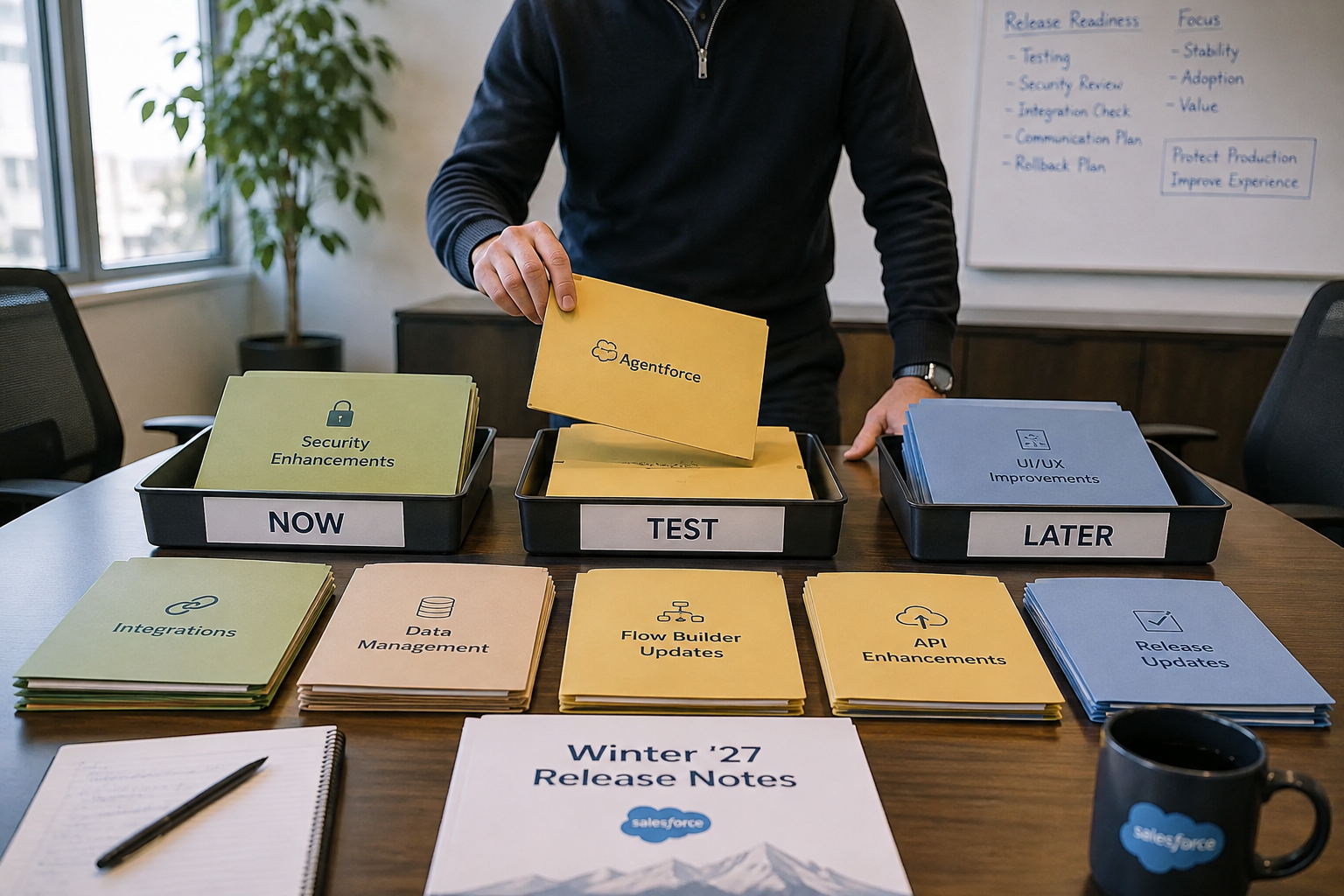
Salesforce Spring ’26 Sandbox Preview ChecklistSpring ’26 rewards admins who observe first, decide second, and act intentionally. If Sandbox Preview leaves you with more clarity than urgency, you’re doing it right. But before you refresh that sandbox or start clicking around, take five minutes to do this:
|
What Happens If You Ignore the Salesforce Spring ’26 Release
If you do nothing after Spring ’26, your org won’t break. Everything will keep working—mostly.
But small inefficiencies will linger. Technical debt will compound. And every future release will feel slightly more challenging to adopt than the last, until one day you’re not upgrading, you’re “surviving.”
Standing still isn’t dangerous. It’s just limiting.
3 Smart Next Steps After the Salesforce Spring ’26 Release
1. Audit your automation before activating anything new.
Get clear on what’s in production, what’s business-critical, and what’s quietly risky. (Yes, that includes that Flow.)
2. Simplify your org so you can move faster later.
Reduce technical debt, consolidate automation patterns, and favor configuration-first decisions wherever possible.
3. Adopt Salesforce AI intentionally (and safely).
Focus on use cases that save time or improve decisions, and pair them with appropriate trust and governance practices.
Final Thoughts on Salesforce Spring ’26
The Salesforce Spring ’26 release isn’t trying to impress you. It’s trying to support you.
And when you pair a mature platform with a clear roadmap—and the right guide to interpret both—Spring ’26 doesn’t feel like “another release.”
It feels like progress.
- - - - - - - - - - - - - - - - - - - - - - - - - - - - - -
This post is for informational purposes only. Salesforce features, release timing, and availability can vary by edition, org configuration, and region. Always confirm details in Salesforce’s official release resources and release notes before making decisions.





SHARE