
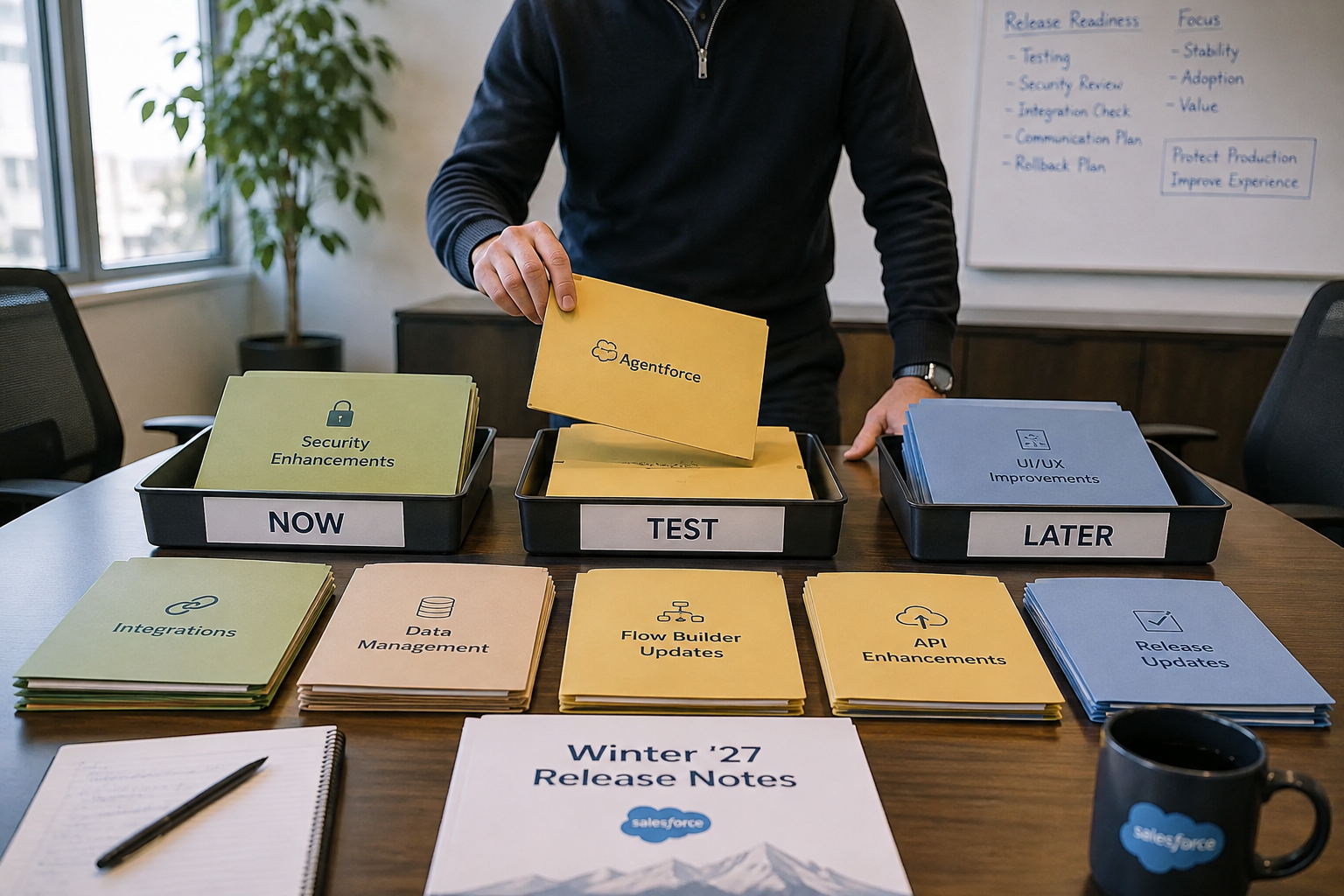
A few weeks ago, we talked about preparing for the Salesforce Winter ’27 Release before getting distracted by hundreds of individual features. Our advice was pretty simple: don't turn everything on.
Instead, we recommended starting with the workflows your organization depends on, using the sandbox preview as a dress rehearsal, and watching the areas most likely to affect everyday work, like Agentforce, Flow Builder, security, integrations, and platform governance. Now we have something more concrete to work with.
The Salesforce Winter ’27 Release Notes are here, so we can move beyond what organizations should watch and look at what Salesforce actually delivered. More importantly, we can ask the question release notes don't answer: What should your organization actually do about it?
You can explore the complete Salesforce Winter ’27 Release Notes directly from Salesforce. Still, if reading hundreds of release-note entries isn't how you planned to spend your afternoon, we've pulled out the changes we'd investigate first.
Agentforce Is Getting Closer to the Work
One area we said to watch was Agentforce, and Winter ’27 gives organizations more reason to think about AI in the context of everyday work, not as a separate technology initiative. Beginning August 4, 2026, Salesforce began automatically enabling Agentforce Coworker on a rolling basis for eligible customers with unmetered user-based AI entitlements. For eligible users, Coworker brings conversational AI into the Salesforce experience, where it can work with CRM information users already have permission to access and help connect work across Salesforce and other supported tools. That's more than simply adding another chatbot.
For organizations evaluating Coworker, we'd start by looking for specific moments of friction. Where are employees repeatedly searching for information? Where are they moving between records or systems to complete one task? Where are repetitive administrative steps consuming time that could be spent on higher-value work?
Those are better candidates for Agentforce than inventing an AI use case simply because the technology is available. In other words, Winter ’27 makes the AI conversation more practical, but the question is no longer "Where can we put Agentforce?" It's "What work could Agentforce genuinely make easier?"
Flow Builder Gets Improvements You Can Actually Use
Our first article identified Flow Builder as another area to watch. Now we have specific improvements worth testing. Winter ’27 Flow enhancements include custom batching for scheduled flows, easier resource selection, date operators in Decision elements, and the ability to collapse fault paths so builders can focus on the primary automation path.
Screen Flows also receive practical improvements, including better related-record behavior in data tables, additional styling controls, support for static-resource images, and more compact radio-button layouts. None of those individually sounds like the kind of feature that gets a keynote audience cheering, and that's exactly why we like them.
For an administrator maintaining dozens—or hundreds—of automations, improvements in readability, troubleshooting, maintainability, and screen design add up quickly. And for users, a Screen Flow that clarifies a process or removes unnecessary friction may deliver far more value than a feature with a bigger marketing campaign behind it.
There's also a particularly interesting development at the intersection of Flow and AI. Agentforce for Flow has moved from generally available back to beta while Salesforce works to improve its accuracy, performance, and reliability, particularly with more complex workflows.
That's worth paying attention to, and not because it means AI-assisted Flow development has failed, but because it demonstrates something important about emerging AI functionality. Sometimes promising technology needs more time. So rather than building mission-critical production automation around it today, we'd experiment with Agentforce for Flow in a sandbox. Learn what it does well, where it struggles, watch how Salesforce improves it, and then decide based on evidence rather than excitement.
The Small Admin Improvements May Be the Ones You Notice Most
Administrator-focused enhancements can easily get buried under bigger Agentforce announcements, but Winter ’27 reminds us that some of the best Salesforce improvements are the ones admins use repeatedly.
Consider the Flow enhancements alone: easier resource selection might save a little time, collapsible fault paths might make a complex Flow easier to understand, better Screen Flow controls might eliminate a workaround, and improved scheduling options might simplify an automation architecture.
One improvement may save five minutes. Multiply that across every Flow an administrator builds, reviews, troubleshoots, and maintains, and suddenly five minutes matters. That's why we'd encourage admins to review Winter ’27 differently than executives or end users might.
Don't judge an enhancement solely by how impressive it sounds. Judge it by how often you'll use it.

Not Everything in Winter ’27 Is Optional
Before jumping into integrations and security, organizations should make an important distinction when reviewing the Release Notes. Some Winter ’27 functionality is optional. You can test it, determine whether it solves a problem, and decide whether—or when—to implement it.
Release Updates and enforced platform changes are different. If Salesforce plans to enforce a change that affects your org, your decision isn't really whether to adopt it. Your decision is whether to prepare before Salesforce enforces it. That's why we'd divide the Winter ’27 testing plan into two buckets.
1. Start with risk: enforced Release Updates, authentication changes, API behavior, integrations, security requirements, mission-critical Flow and Apex, and anything else capable of disrupting production.
2. Then move to opportunity: Agentforce, new Flow functionality, administrator productivity improvements, and other enhancements that could make Salesforce better.
It’s all about protecting production first and innovation second.
Your Integration Inventory Just Became More Important
If there's one area we'd put near the top of the technical testing list, it's integrations. That’s because Salesforce is decommissioning support for API traffic that relies on an incorrect Salesforce instanced URL and recommends replacing those references with your organization's “My Domain login URL.”
That matters because your “My Domain URL” remains stable if Salesforce moves your organization to another instance. An integration tied to an outdated instance-specific connection pattern can therefore create avoidable risk. Translated from release-note language: something can work today and still deserve fixing.
That means now is a good time to inventory middleware, custom applications, ETL tools, data pipelines, legacy integrations, and third-party systems that authenticate to Salesforce or call Salesforce APIs. Determine which endpoint each integration uses, review its authentication method, identify the owner, and confirm the architecture still aligns with Salesforce's current requirements.
Salesforce also provides a practical way to test for the URL issue. In “My Domain settings,” organizations can enable “Block API traffic that uses an incorrect instanced URL” and validate their integrations before Salesforce enforces the behavior. Salesforce recommends conducting this testing after August 10, 2026, with enforcement following an instance-specific rollout schedule.
This isn't likely to become anyone's favorite Winter ’27 feature. It may, however, prevent a considerably less enjoyable Monday morning.
About That OAuth Username-Password Retirement...
Another integration change is worth clarifying because the timeline has moved. Salesforce previously scheduled retirement of the OAuth 2.0 username-password flow for connected apps for Winter ’27. According to Salesforce's current Release Update documentation, enforcement is now scheduled for February 20, 2027.
If you discover an affected integration during Winter ’27 testing, we'd use the additional time to determine the correct replacement, test it thoroughly, and migrate on your schedule rather than Salesforce's. A postponed deadline is breathing room, but it's not a strategy.
Security Changes Deserve Their Own Testing Plan
Salesforce has steadily raised its security baseline across several releases, so it's important to distinguish what's specifically new in Winter ’27 from security requirements that began taking effect earlier in 2026. Requirements such as email-domain verification and expanded authentication controls aren't all Winter ’27 features. Some began rolling out earlier in the year.
Winter ’27 reinforces the need to treat Salesforce security as an ongoing program, not something reviewed only when a major release arrives. That means reviewing connected applications, authentication methods, identity controls, permissions, and pending Release Updates as part of regular platform governance.
Winter ’27 also includes enforcement around multiple accessibility Release Updates affecting how portions of Lightning Experience adapt at high magnification. These changes address interface elements such as cards, docked containers, menus, panels, and related components to support accessibility standards better, including WCAG 2.2 Resize and Reflow requirements.
Security and accessibility obviously aren't the same thing, but they illustrate the same release-management lesson: some of the most consequential Salesforce changes aren't features you deliberately turn on. Review the Release Updates section in Setup, determine which updates apply to your environment, verify the enforcement dates that apply to your org, and then test the affected workflows before those changes reach production. That's a lot easier than discovering the impact afterward.
What Winter ’27 Actually Means for Nonprofits
In our first Winter ’27 article, we explained why nonprofits should evaluate Salesforce releases by mission impact rather than feature count, so we won't repeat that argument here. Instead, now that the Release Notes are available, nonprofits should turn that principle into a testing strategy.
Salesforce continues investing in its nonprofit platform across fundraising, program and case management, grantmaking, and related capabilities. If your organization uses Salesforce Nonprofit Cloud (aka Agentforce Nonprofit), review the Winter ’27 nonprofit-specific Release Notes against the products and functionality you've actually implemented.
The key phrase is "actually implemented." Not every nonprofit announcement applies to every Nonprofit Cloud environment, and a new capability doesn't automatically justify changing a process that's already working well.
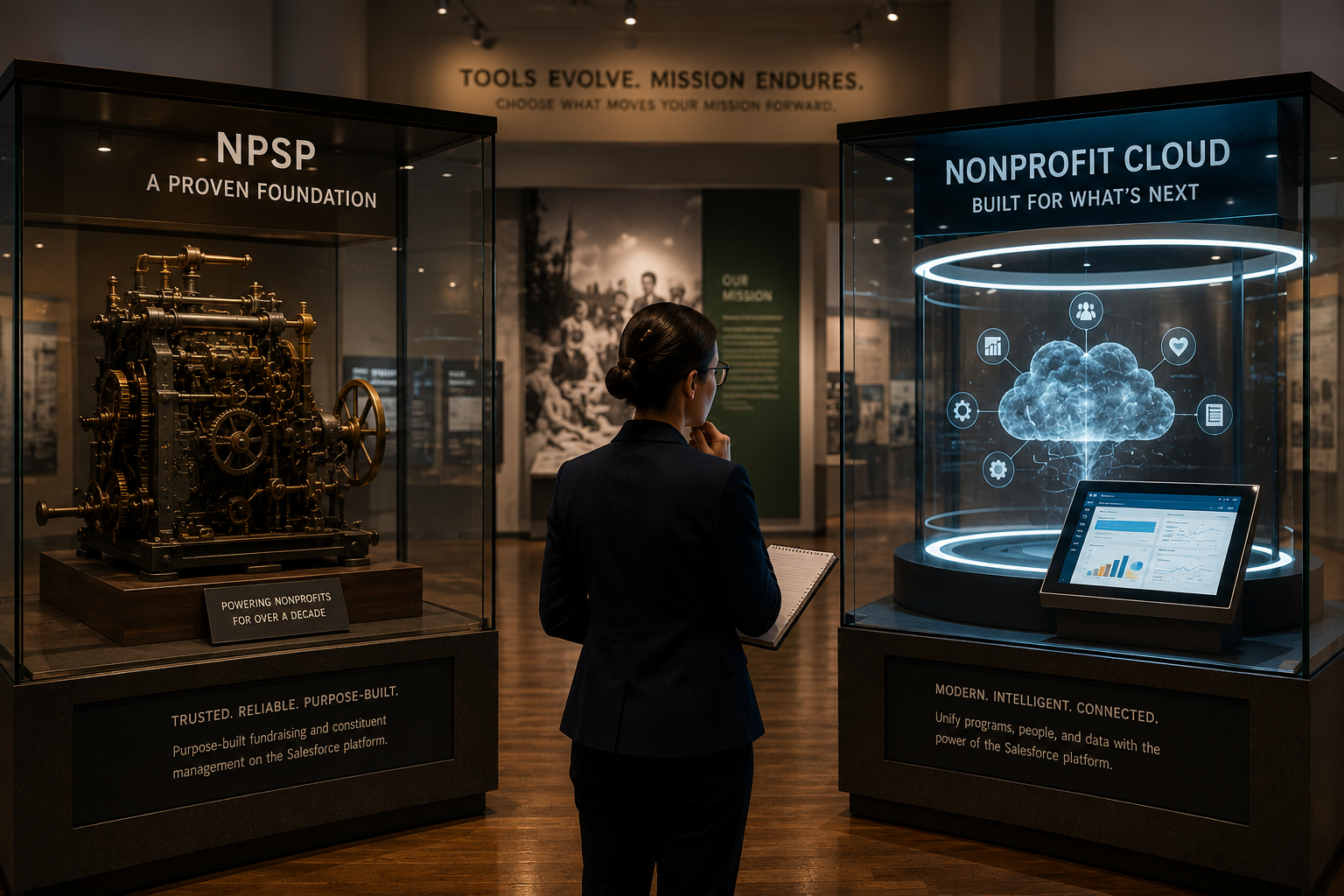
For organizations using the Nonprofit Success Pack (NPSP), the Winter ’27 conversation is somewhat different. The release does not suddenly turn a mature NPSP implementation into a mandatory Nonprofit Cloud migration project. Instead, focus on the broader platform enhancements that apply regardless of nonprofit architecture: Flow, security, integrations, reporting, AI, accessibility, and user experience.
If one of those improvements eliminates administrative work or solves a known problem, test it. If it doesn't? Keep moving.
Housing Nonprofits: Put Winter ’27 Through a Real Client Journey
We made the case in our preparation article for protecting the interconnected workflows housing nonprofits depend on, from coordinated entry and case management to HMIS, financial systems, document management, and grant reporting. Now it's time to test that advice against Winter ’27.
Instead of validating each Salesforce feature in isolation, create a realistic test participant and run that record through an actual client journey in your preview sandbox. Complete intake. Trigger the relevant Flows. Verify permissions. Generate the documents. Test HMIS exchanges. Exercise integrations with financial, property, mapping, or electronic-signature systems where applicable. Run the reports staff and funders depend on. Only then introduce the Winter ’27 changes you're considering and repeat the process.
That approach does two things.
- It exposes problems that feature-by-feature testing can miss because housing-service delivery rarely exists inside a single Salesforce record or automation.
- It gives you a much better way to evaluate new functionality. A Screen Flow enhancement isn't valuable because Salesforce added it.
It's valuable if it makes client intake easier for a case manager. An Agentforce capability isn't valuable because it uses AI. It's valuable if it helps staff find the right information faster without compromising appropriate access or adding unnecessary complexity.
That's the level at which we'd evaluate Winter ’27. Not feature by feature, but client journey by client journey.
What Winter ’27 Doesn't Change
After looking at everything Salesforce added or changed, it's equally useful to identify what Winter ’27 doesn't change.
- Flow still needs to be maintainable.
- AI still needs a defined use case, trustworthy data, appropriate permissions, governance, and human oversight.
- Integrations still need owners.
- Security still requires continuous attention.
- Users still need to understand the processes you're asking them to follow.
A well-designed Salesforce configuration doesn't suddenly become obsolete because Salesforce introduced something newer. That matters because every release creates subtle pressure to "keep up." Sometimes keeping up means adopting something new, testing something and waiting, or the correct answer could be, "Interesting. Not for us right now." That's not falling behind; it’s governance.
What Would DSG Test First?
If we were building a Winter ’27 test plan with a client, we'd start with what could hurt if it stopped working. Check integrations and authentication. Validate mission-critical Flows and Apex. Review pending Release Updates. Test AppExchange dependencies. Exercise the processes users absolutely need on Monday morning.
Then we'd investigate the opportunities. Could one of the Flow improvements simplify an automation you've struggled to maintain? Does Agentforce Coworker address repetitive tasks users actually perform? Could a Screen Flow enhancement improve a frustrating intake or service process? Is there an admin enhancement that removes a workaround you've lived with for years?
Finally, we'd ask whether the organization is ready. Do you have the data quality? The permissions? The governance? The implementation capacity? The training plan? That's how you turn hundreds of release-note entries into something considerably more useful: a roadmap.
Winter ’27: Start Here
Protect production first. Innovate second.
Start with enforced Release Updates, authentication and integration changes, mission-critical Flows and Apex, AppExchange dependencies, and the workflows users cannot afford to lose. Once those are validated, explore the Winter ’27 capabilities that could solve known problems or create measurable value.
Why it matters: The objective isn't to prove that you've reviewed every Winter ’27 feature. It's to know that your Salesforce environment is ready for the changes that matter.
Release Notes Are a Menu, Not a Checklist
There's no prize for implementing the most Winter ’27 functionality. Some capabilities may solve a problem you've been trying to address for years, some deserve experimentation in a sandbox, and others won't make sense for your organization today. And others—particularly enforced changes—need attention whether they're exciting or not.
The job isn't to treat every Release Note equally. It's to separate must-address from worth testing from not right now. That simple distinction can turn an overwhelming Salesforce release into a manageable plan.
The Release Notes Tell You What Changed. Your Roadmap Determines What Happens Next.
That's ultimately where this companion article differs from our original Winter ’27 preparation guide. Before the Release Notes arrived, the goal was to identify where to focus. Now the goal is to make decisions.
Winter ’27 could be the opportunity to fix an aging integration before Salesforce forces the issue. Maybe it means taking advantage of a small Flow enhancement that eliminates a recurring headache. It may be testing an Agentforce use case tied to a measurable business problem. Or maybe your biggest Winter ’27 accomplishment is confirming that your most important processes work exactly as they should.
That counts because the best Salesforce release isn't necessarily the one users notice. Sometimes it's the one where Monday morning arrives, everyone gets to work, nothing important breaks, and six weeks of careful testing quietly did its job.
Turn the Winter ’27 Release Notes Into a Roadmap
The Salesforce Winter ’27 Release Notes tell you what's available, what's changing, and what's eventually being enforced. They don't tell you which of those things deserves your organization's time and resources. That's where Dynamic Specialties Group can help.
We work with organizations to evaluate Salesforce releases against their actual environment—automation, integrations, security architecture, user workflows, data, governance, and business priorities—and turn those findings into a practical roadmap for what to address now, what to test next, and what can wait.
Because once the Release Notes arrive, the most useful question isn't "What's new?"
It's "What are we going to do about it?"





SHARE